An honest review from someone who uses it
I use Squarespace regularly for client projects and I have a lot of respect for what it does well, but that doesn't mean it doesn't have real limitations, and I think you deserve an honest answer rather than a biased review from someone that exclusively uses Squarespace and glosses over anything negative.
So here's my actual take.
What Squarespace genuinely does well
It's easy to use
The drag and drop interface is intuitive, most clients can pick it up quickly after a handover session and make updates themselves without needing to call me. For a small business owner who doesn't want to spend their evenings fighting with their website, that matters a lot. And that's important, I'm not trying to tie you in so that you can't do anything without asking me for help.
As a designer I can also create reusable sections within a Squarespace build, so when a client wants to repeat something they already have, they're not designing from scratch, they're using a layout that already exists and has already been created with a purpose in mind. That makes ongoing management significantly easier.
The design quality is good out of the box
Squarespace templates are genuinely well designed. Even with minimal customisation you'll end up with something that looks professional and considered (it just might look similar to someone elses). The typography options are solid, the spacing defaults are sensible, and the overall aesthetic is clean rather than cluttered. For a small business that wants to look good online without a large budget, that's a good place to start.
Everything is included
Hosting, security, updates, all handled by Squarespace as part of your subscription. There's no separate hosting bill, no plugin subscriptions to manage, no security patches to remember. Plans start from around £13 a month. For a business that wants a predictable monthly outgoing and no technical surprises, that simplicity is genuinely valuable.
Compared to WordPress specifically, this is significant. WordPress requires separate hosting, regular plugin updates, security maintenance, and occasional conflict resolution when plugins break each other. Squarespace handles all of that for you, which is one of the main reasons I recommend it over WordPress for most small businesses.
Forms and email marketing are built in
Contact forms, enquiry forms, waitlist signups, all handled natively without a plugin or third-party service. Submissions are stored in your Squarespace dashboard as well as emailed to you.
If you want to run a mailing list alongside your website, Squarespace has built-in email marketing tools that connect directly to your site. Not as powerful as a dedicated platform like Mailchimp or ConvertKit, but for a small business just getting started with email it removes the need to connect and manage third-party tools.
Where Squarespace falls short
Design customisation is limited
This is my biggest frustration with Squarespace as a designer. If you want something that stands out more, custom hover effects, unique animations or interactions, you'll eventually hit a wall. I regularly end up writing custom code to achieve things that should be straightforward and the more custom code is involved, the harder the site becomes for clients to manage themselves.
For a business where the design is a core part of the brand experience, Squarespace will eventually feel constraining.
SEO control is more limited than other platforms
You can set page titles, meta descriptions, alt text, and clean URLs on all plans , the basics are covered. But some of the more advanced SEO features require a higher tier plan. Schema markup specifically, the background code that tells Google exactly what your page is about, whether you're a local business, a service provider, or an eCommerce store, is only available on higher plans. If SEO is a priority from the start, factor that into your plan choice.
Webflow gives you significantly more control over SEO without needing to upgrade, which is one of the reasons I use it for clients with a growing business where search visibility is important.
No database CMS
Squarespace has a content management system for blogs and basic collections, but it doesn't have a proper database CMS. If you have complex content needs, a large resource library, structured content that needs filtering, dynamic pages that pull from a database, Squarespace will start to feel limiting. Webflow's CMS is significantly more powerful for content-heavy sites.
Who Squarespace is right for, and who should consider something else
Squarespace is a good fit if
- You're a service business, consultant, coach, author or creative who wants a professional, manageable website without technical complexity.
- You want to be able to make updates yourself after launch.
- You want predictable costs without unexpected extras.
- You don't need highly custom design or complex functionality.
Consider Webflow instead if :
- You want more design freedom and precision.
- You have a content-heavy site that needs a proper CMS.
- You want SEO control without paying for a higher plan.
- You want custom interactions and animations that Squarespace can't deliver natively.
Consider Shopify instead if selling products is the primary purpose of your site.
For a more detailed comparison, read my blog on which website platform is best for your business.
Should you use a template or hire a designer?
This is worth being honest about. A DIY Squarespace site built from a template will tend to look like a Squarespace site. The templates are widely used and the editor constraints mean sites built without a designer tend to have a similar feel, competent but not distinctive.
That's not necessarily a problem. If you're just starting out, testing a business idea, or need something online quickly without a significant budget, a template is a completely reasonable starting point. Use it, learn what you need, and invest in something more considered when the business is ready for it.
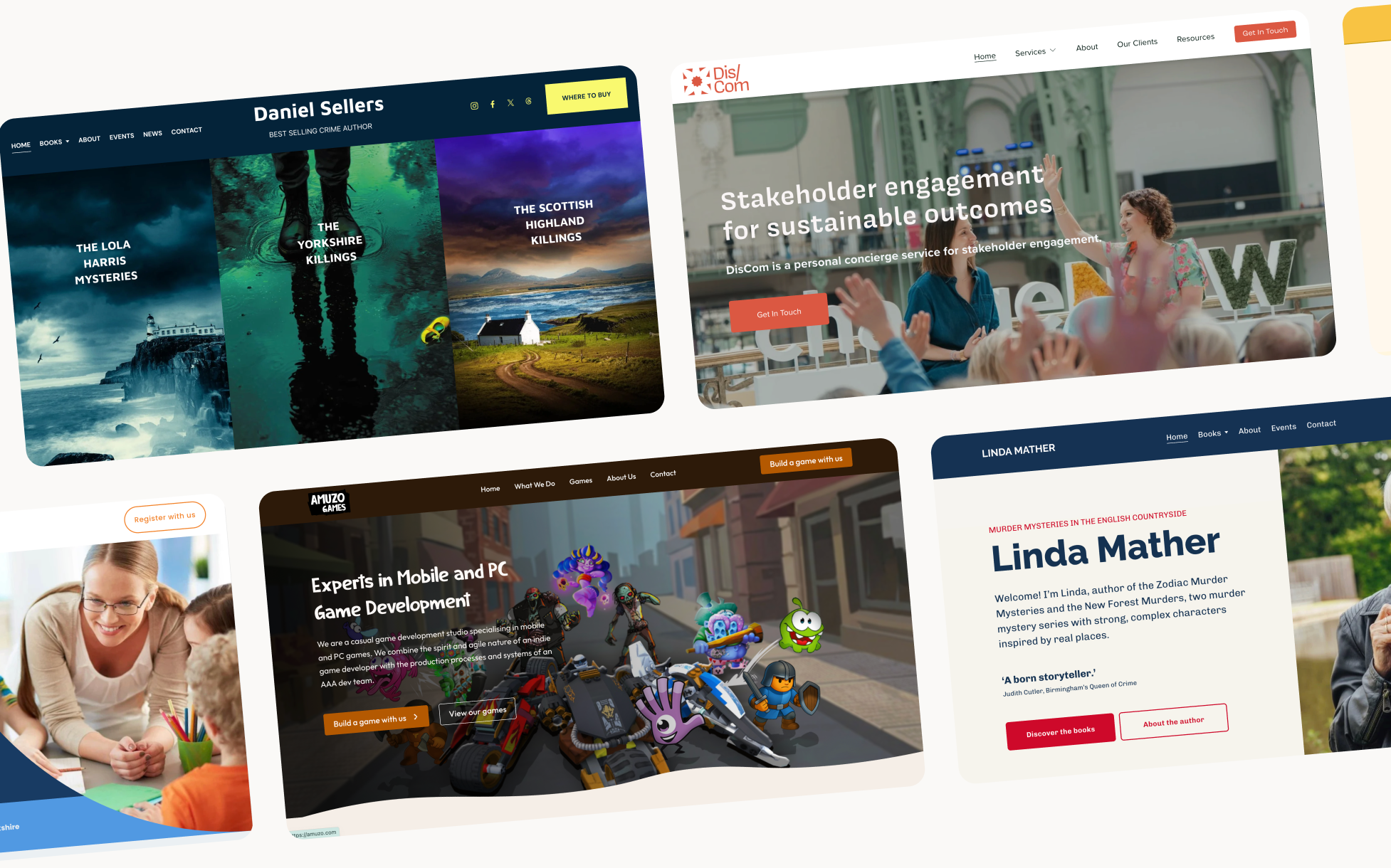
But if your business is established, your work is strong, and your website needs to reflect that, a designer who knows Squarespace well can get significantly more out of the platform than a template will give you. Not by fighting the platform, but by understanding how to use it properly. The result looks custom rather than templated, it's built around how your visitors actually behave, and it's handed over in a way that makes it genuinely easy to manage yourself.
If you're thinking about a Squarespace website for your small business and want to know what's possible, or whether Squarespace is actually the right platform for your specific situation, I'm always happy to have a straightforward conversation. No pressure, just an honest answer.
Find out more about my Squarespace web design services →
FAQs
For most small businesses yes. It's well priced, easy to manage, and produces professional results without requiring technical knowledge. The limitations around design customisation and SEO control are real but manageable for most service businesses, consultants and creatives.
Limited design customisation, restricted SEO control on lower plans including schema markup, and no proper database CMS for content-heavy sites. If you need any of those things, Webflow is usually the better choice.
A template is a reasonable starting point when budget is tight or you're just getting started. When your business is established and your website needs to reflect that properly, a designer who knows Squarespace well will get significantly more out of the platform than a template will give you, and hand it over in a way that's genuinely easy to manage yourself.

%20(1).jpg)
